Tagging and Comments
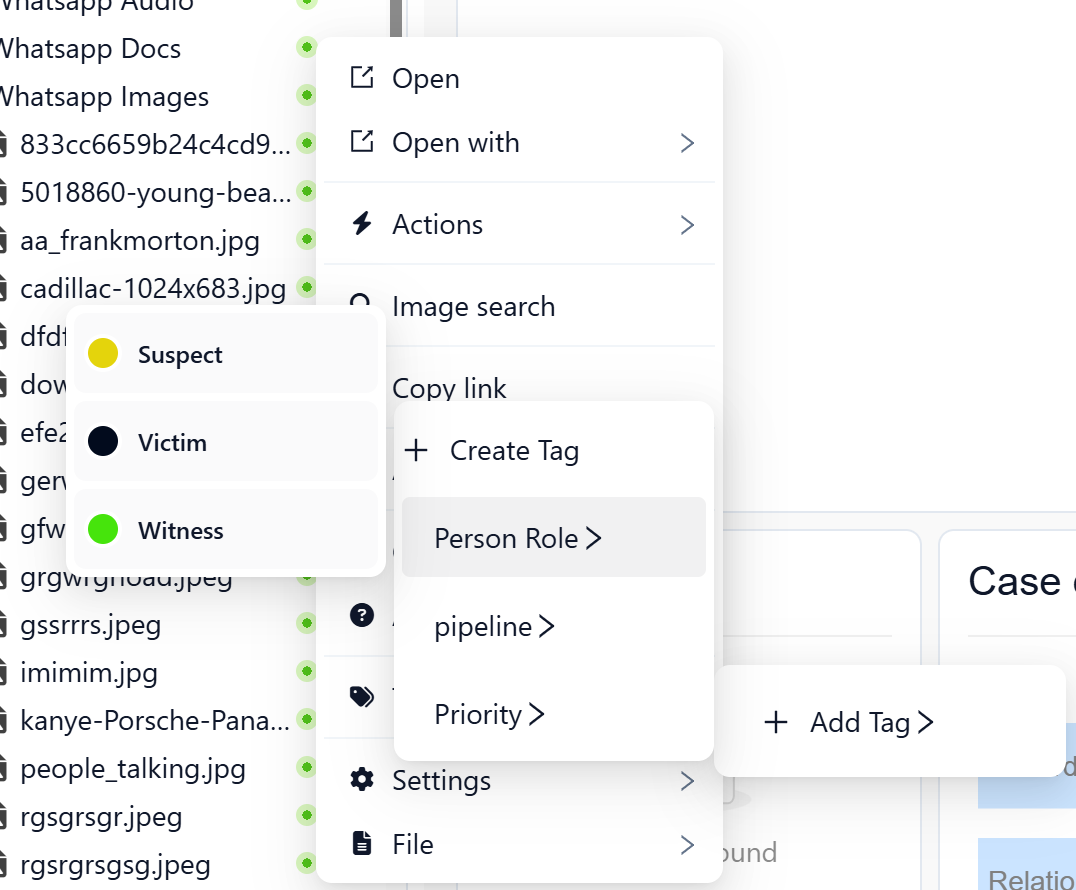
Tags are short, structured labels you attach to a file or record to communicate meaning at a glance. They provide a quick, visible signal about the status, relevance, or risk of an item — without needing to open it. Use tags to:
- Indicate status (e.g.,
Reviewed,In review) - Highlight priority (e.g.,
High priority) - Flag risk or suspicion (e.g.,
Suspicious,POI) - Assign next steps (e.g.,
Needs translation,Follow up)
Tags solve those by making triage visible:
- Reduce duplicate work: “Reviewed” tells others not to re-check unnecessarily
- Focus attention: “High priority” and “Suspicious” surface the right items first
- Coordinate teams: “Needs translation” or “Needs peer review” routes work to the right people
- Create an audit trail of collaboration (especially when paired with comments): what was flagged, when, and by whom
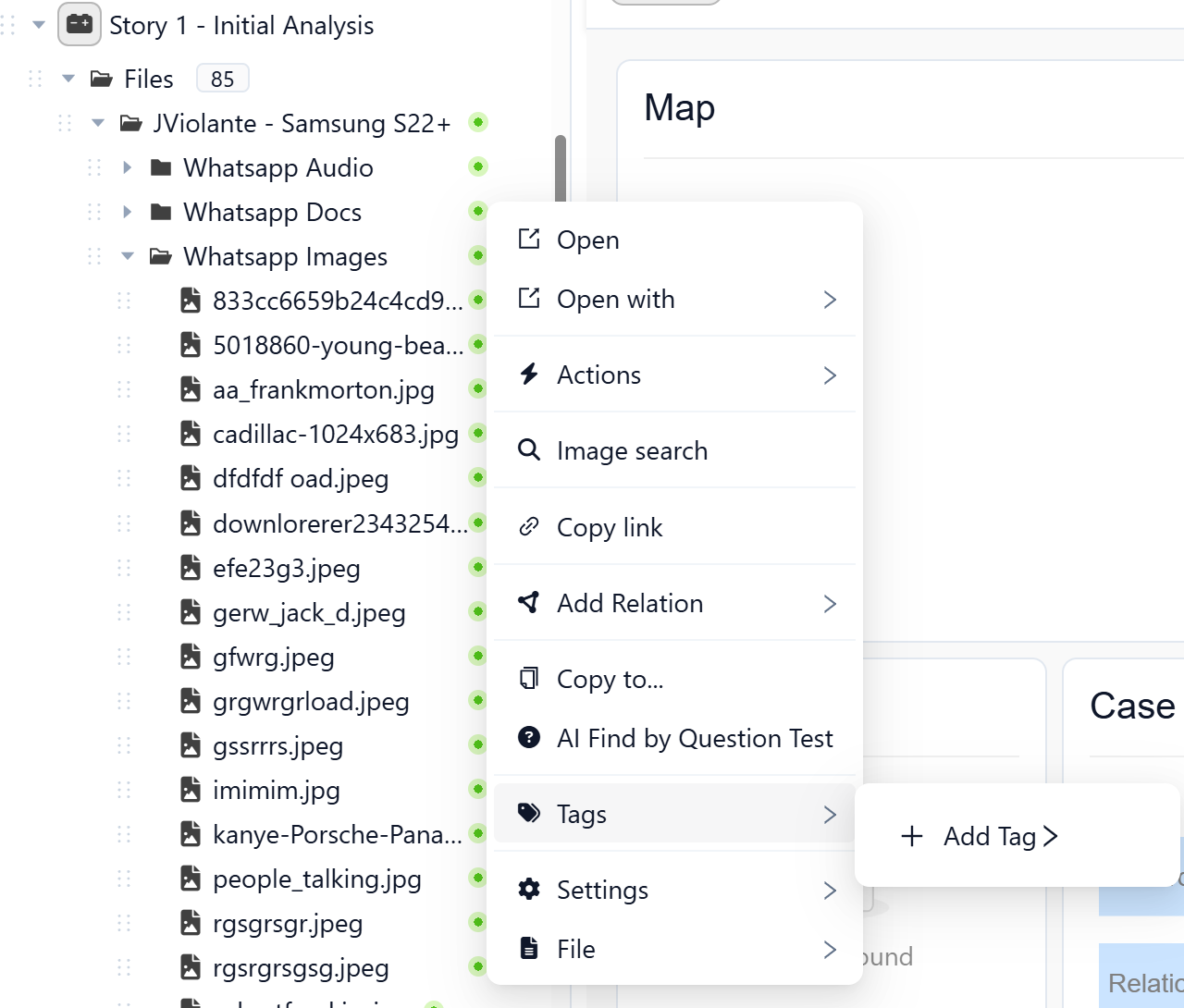
Comments
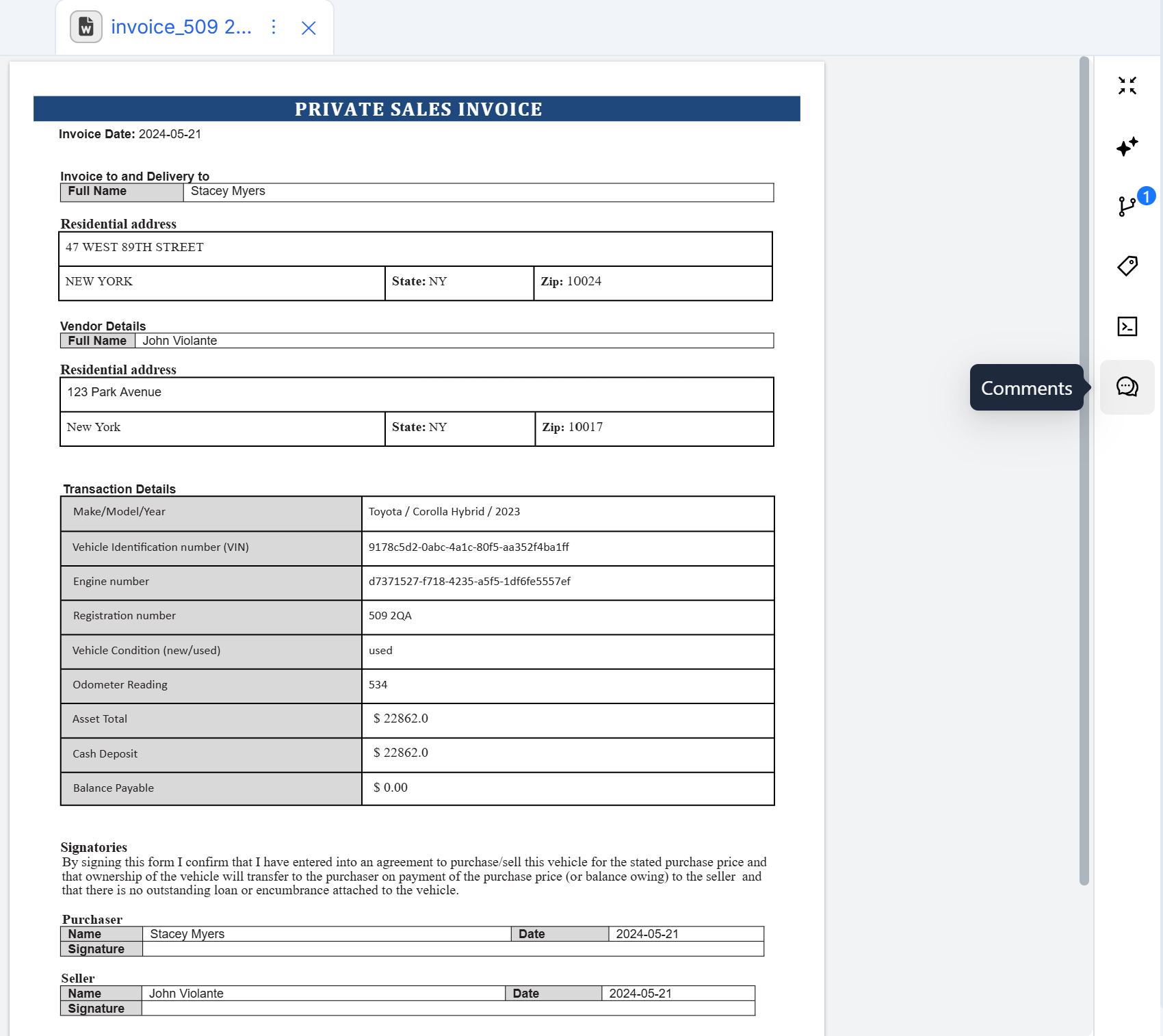
Comments are free-text notes attached to a file or record. They allow investigators to provide context that a tag alone cannot capture. Use comments to explain why an item was tagged or to record investigative observations. For example:
Flagged as suspicious because the metadata timestamp conflicts with the chain-of-custody log.
Best practice
Use tags to communicate clear, standardized signals that can be scanned quickly across the workspace.
Use comments to capture explanations, reasoning, or instructions that require more detail.