Introduction to the AI Chatbot
Workspace Overview
Your Workspace can house various materials, including documents, images, videos, emails, chat exports, and structured Records. As the volume increases, locating the right evidence and understanding its relevance to your case becomes more challenging.
Introducing AI Chat
AI Chat allows you to interact with your data using natural language. It helps you to:
- Summarize material
- Extract key facts
- Compare sources
- Identify connections for review in a Record or a Link Chart
Accessing AI Chat
You can open AI Chat from:
- The sidebar on the left
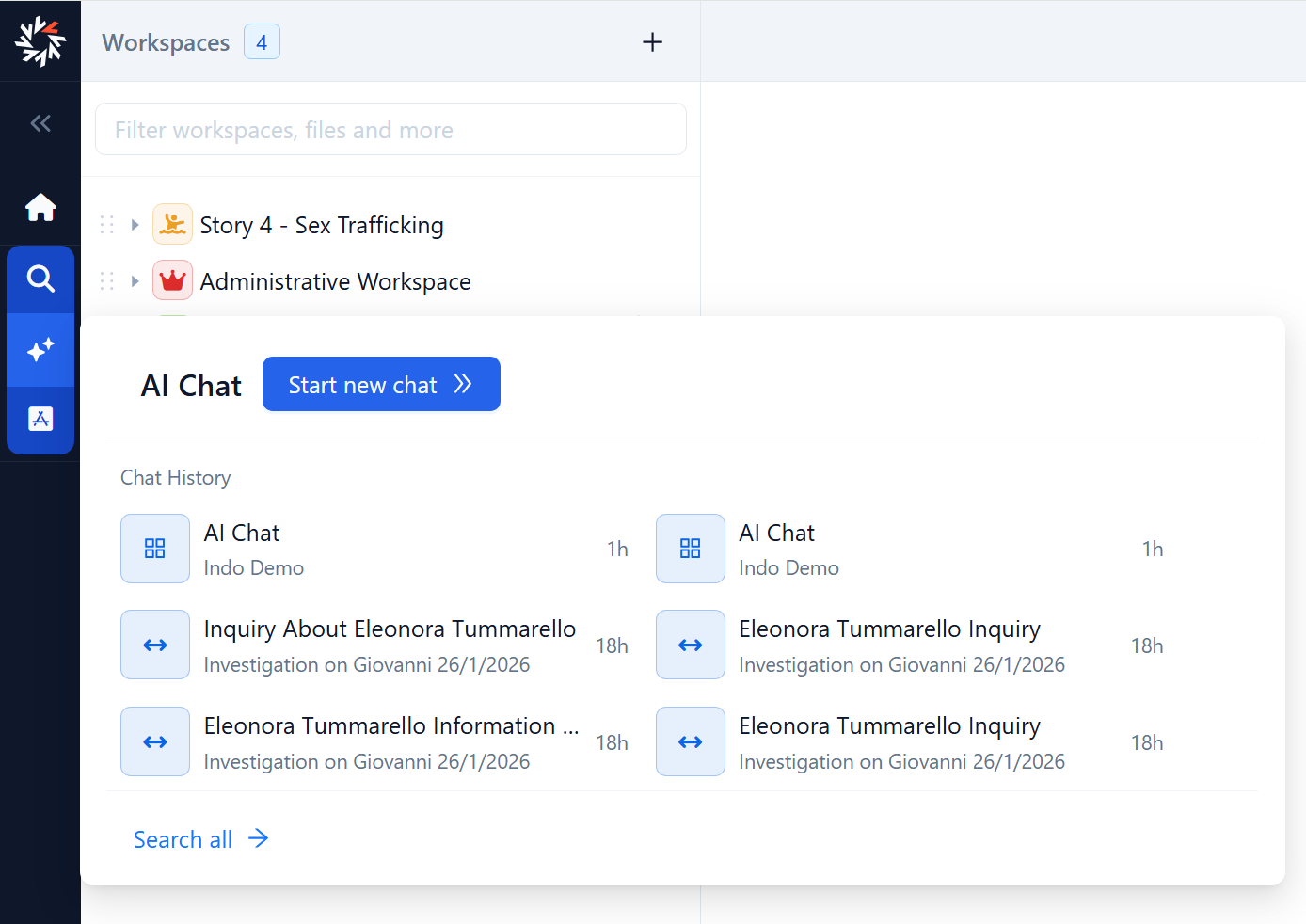
- The context menu of folders or single documents
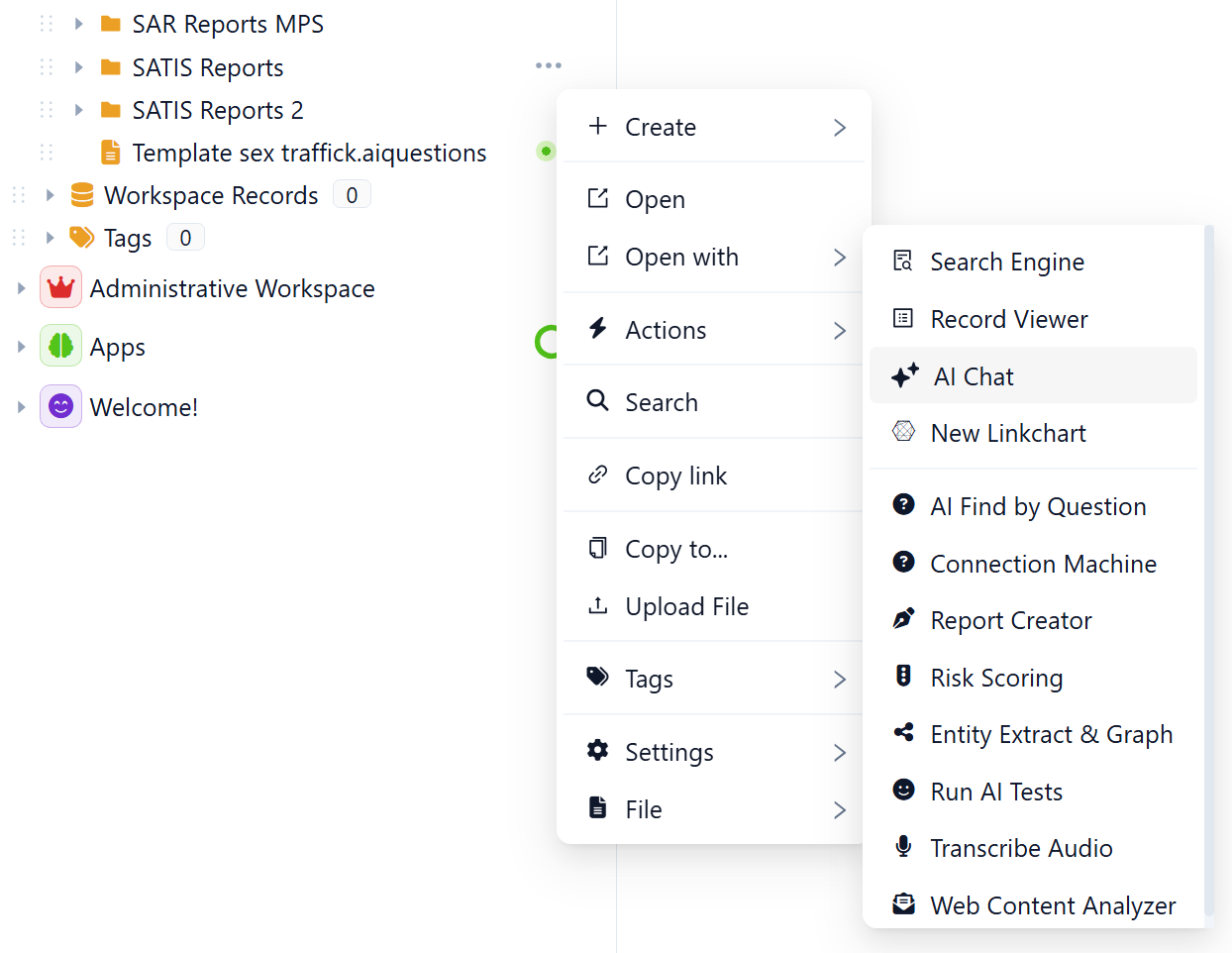
How AI Chat answers
AI Chat uses Retrieval-Augmented Generation (RAG). When you enter a question, the system:
- Retrieves relevant content from OpenSearch using keyword and vector search
- Sends the retrieved content to the language model as context
- Generates a response based on that retrieved context
AI Chat respects permissions. It can only use content you are authorized to access. If you cannot open an item directly in Octostar, AI Chat should not expose it in its response.
How to use AI Chat safely
AI Chat supports investigative work. It does not replace professional judgment. Treat responses as a starting point for review.
When you rely on an answer:
- Review the response for scope and assumptions.
- Check the references or sources section.
- Ask for citations when you need traceability.
- Open the referenced documents and confirm the details.
- Validate critical information before you take action or include it in a report.
AI Chat links responses back to source documents to support traceability and follow-up. Use those links to move from a summary or claim to the original evidence.