Writing APPs (General)
What are Apps?
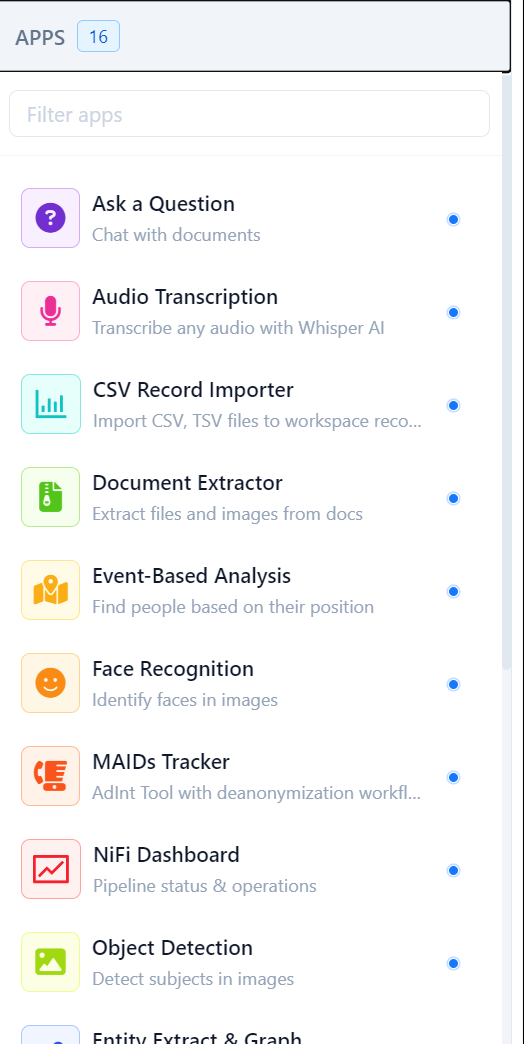
Apps are a way of providing custom functionality into the Octostar platform through seamless integration with existing or new software and systems. Apps can be specifically tailored to use cases where the dashboard, linkcharts and templates provided by Octostar do not suffice, such as for complex and dynamic user interfaces, long-running computations, data analysis, and so on.
Apps are integrated into the platform like an Operating System does, where they are accessible both via a dedicated list of apps as well as by opening files, folders or entities with the Open With... option.
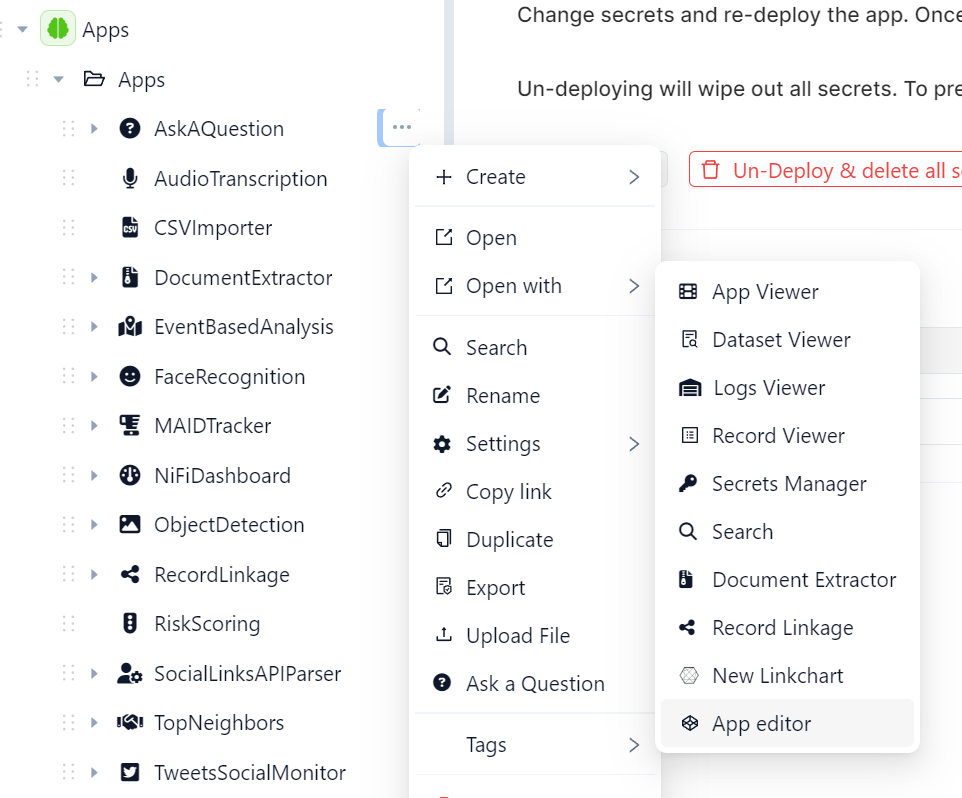
From the developer point of view, an App is a special folder inside any Octostar workspace. This folder must be:
- Placed under the
Apps/root folder of the workspace - Specially flagged as an app by setting the folder's
os_item_content_typefield toos_app
Ready-to-go apps can be created by selecting Create➝App from the context menu of a workspace.
VISIBLE APPS
Much like files and entities, only apps defined in open workspaces are visible, whether from the list of deployed apps, the context menu of an entity or as a transform. Closing a workspace will hide all associated apps from all platform interactions.
App Interface in Octostar

Apps have dedicated options when their context menu is opened, such as:
- App Viewer
- App Editor
- Logs Viewer
- Secrets Manager
The App Editor, in particular, opens a tab where the user can select code files to be opened with the Octostar in-built code editor (Monaco Editor), as well as showing options to Deploy App, Undeploy App, and more.
The Secrets Manager (accessible in the App Editor mode ➝ Actions ➝ Secrets Manager) is used to write sensitive informations that apps require to run, such as secret tokens or authorizations to connect to external or internal services. Apps can then fetch these secrets via function octostar.utils.jobs.apps.get_app_secret in the octostar-python-client library.
The Logs Viewer is particularly useful to display the logs emitted by the app's container, whenever the app is deploying or already deployed.
App Structure
Apps must have, in order to be deployed:
- A file acting as the entrypoint, typically a
main.shor amain.py(a custom entrypoint can be specified via the manifest) - If the app contains a
requirements.txt, that file will be pip installed when the app is deployed (before the entrypoint) - any other file which the app uses (e.g. code, libraries, files)
Apps can be deployed by opening them with the App Editor and selecting the Deploy App option. Doing so will:
- create an
app.zipfile containing all the files in the folder and which is uploaded to S3 - extract and deploy the above zip in a kubernetes pod (whose image can be specified from the manifest)
- generate an octostar URL for the app and store it in the record of the zip file. This acts as an endpoint for the app itself, therefore an app can serve any web framework written in any language (commonly streamlit, flask, fastapi).
The app will locally serve from port 8080 to the Octostar platform. If multiple servers from the app need to be interfacing with Octostar (e.g. fastapi back-end + streamlit front-end) a reverse proxy like nginx can be installed and launched.
Interactions between Apps & Octostar
Apps can interact with Octostar through the Octostar API(s). The main tools for integration we have at disposal are:
- A REST API internally available at
{OCTOSTAR_URL}/api/octostar/. Documentation on available endpoints is via OpenAPI at{OCTOSTAR_URL}/api/octostar/meta - A front-end package for python + streamlit called
streamlit_octostar_researchand available on pypi - A back-end SDK for python called
octostar_python_clientwhich is packaged with the Octostar installation and available at{OCTOSTAR_URL}/api/octostar/meta/octostar-python-client.tar.gz - A utility library for python + streamlit called
streamlit-octostar-utilsand available on pypi - Tuwo front-end APIs:
OntologyAPIandDesktopAPI
Depending on the languages in use for app development, we have separate guides available:
* Python Writing Python Apps * Javascript Ontology and Data access APIs